
Understand the use case
The Apps tab in your Membership.io account is home to various applications, including Chrome Extension, Stripe, Vimeo, Zoom, Facebook, Wistia, Google Drive, OneDrive, Soundcloud, and Apple Podcasts. You can also create and manage your Widgets inside of your Apps tab.
You can access your Apps by clicking on the Apps tab from your account's navigation bar.
Explore and install new Apps
Explore all the potential applications you can install by clicking on Explore Apps.
This is where you’ll see all the apps you can connect to Membership.io. Any apps you’ve already installed will be marked with a ✅.
You can also sort the apps by category by clicking on the All Apps menu.
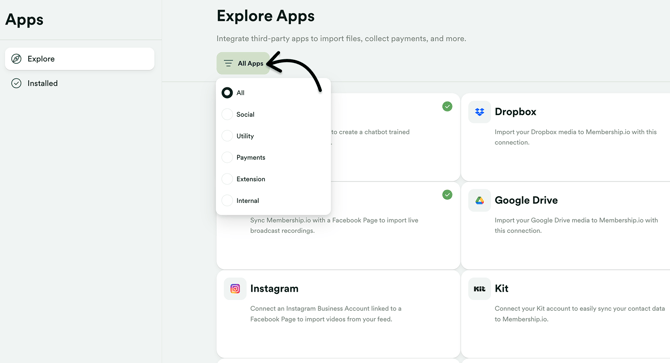
Click on any application to create and control that application's connection to your Membership.io account.
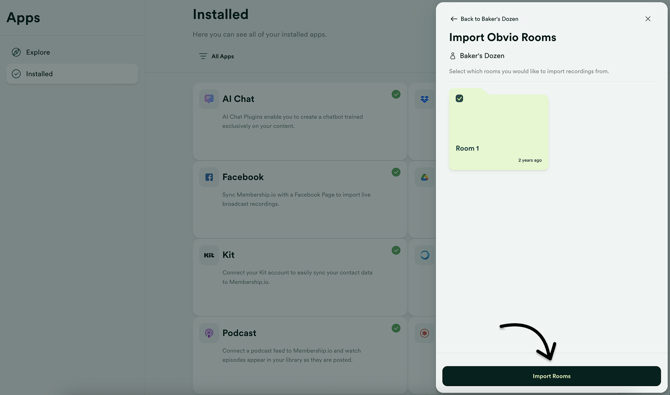
Once an app is connected, you can use this area to choose which folders to import/manage, refresh the connection, or disconnect the app.
See all supported apps you can use to import content in this helpful article.